

WiAware
Know before your call breaks.
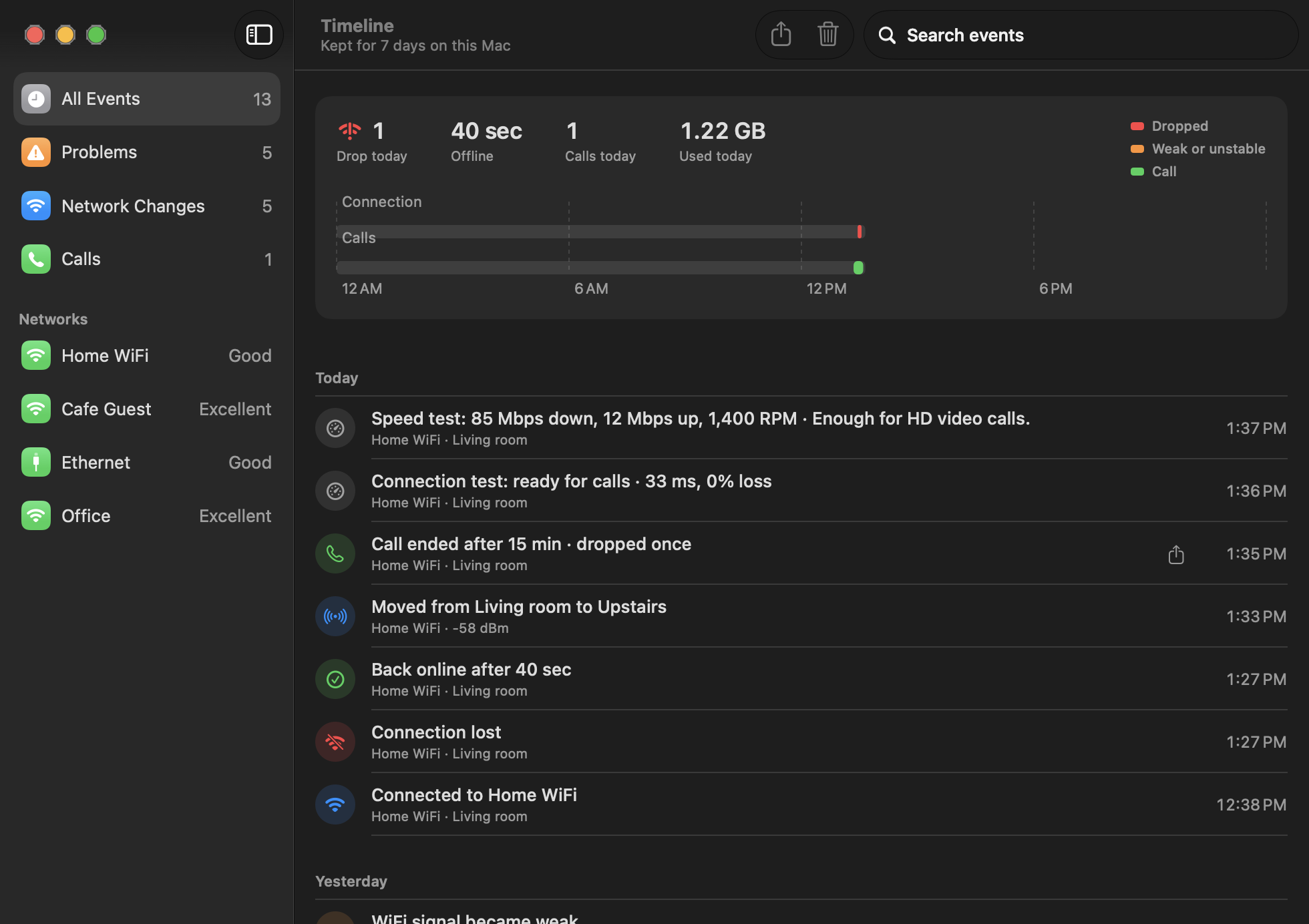
WiAware lives in your Mac's menu bar and tells you in plain words whether your connection is good for a call. It checks your WiFi, router and internet every half minute, and every few seconds while you're on a call, with a simple mark that shows whether calls will be fine, may stutter or won't work. Open the menu to see where the problem is and what to do about it, with latency, jitter, loss and signal explained simply, plus quick tests, a full speed test and detection of sign-in pages and DNS failures. Your calendar's next meeting waits in the menu with a Join button and a readiness check five minutes before. Meeting Mode watches closely during calls, names apps hogging your upload, notices calls like Slack huddles and gives you a summary to share with IT, with a week of history kept on your Mac.
Key Features:
- Call-Ready Status: a simple mark for your connection
- Find the Problem: WiFi, router or internet explained
- Meeting Readiness: Join button and pre-call checks
- Meeting Mode: closer monitoring and upload hog alerts
- Reports and History: summaries for IT and a week of data
WiAware helps you avoid dropped calls before they happen, with a 14-day free trial and a one-time price of $14.99 for 2 Macs.