
Split
Your Mac windows, arranged in seconds.
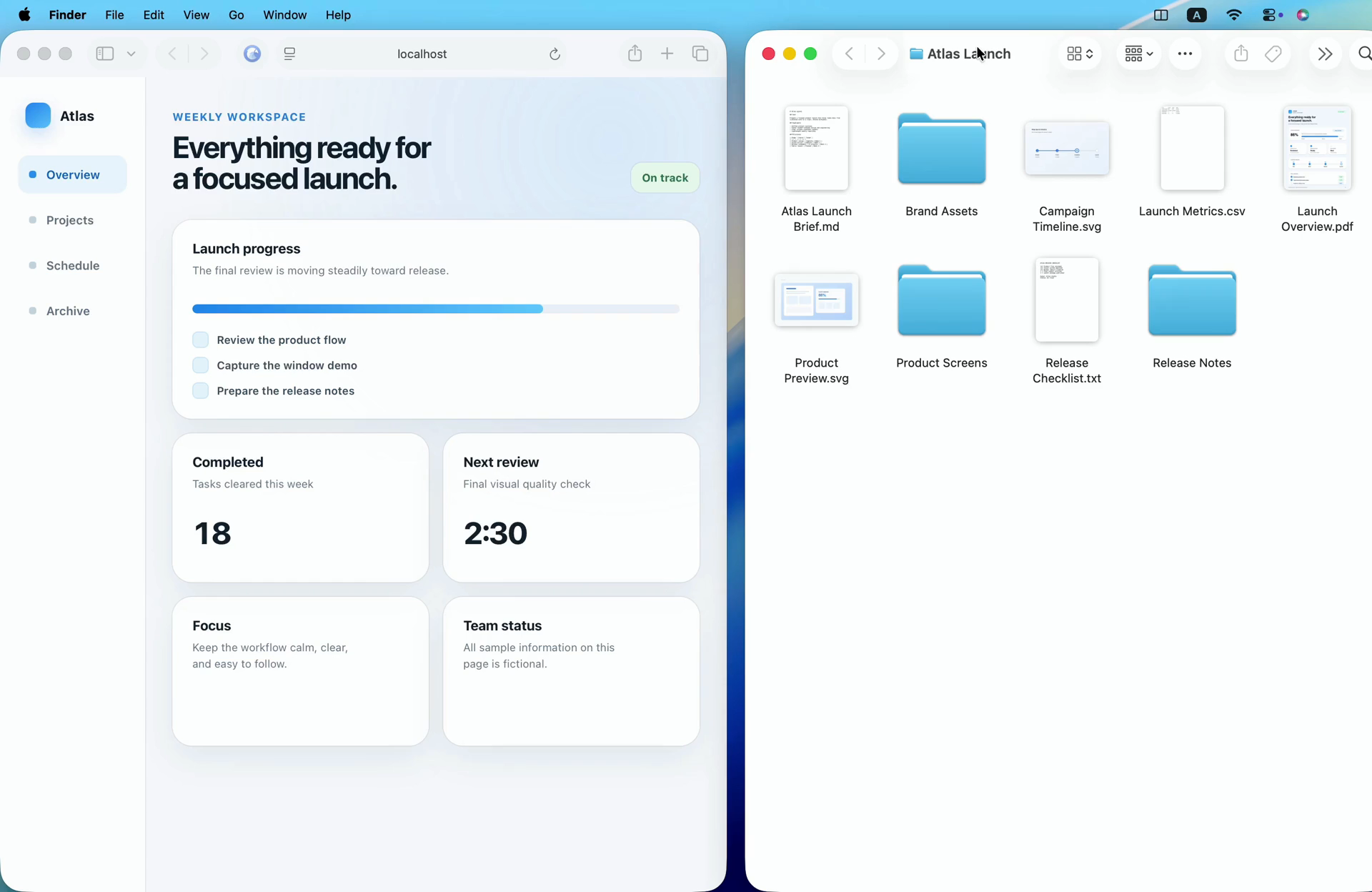
Split is a lightweight window manager that lives in your Mac's menu bar and arranges your windows side by side in seconds. Snap windows into place with keyboard shortcuts or simply drag them to the edge of the screen, then choose flexible split ratios instead of being stuck with a fixed 50/50 layout. When two windows share the screen, dragging the divider resizes both at once so they always fill the space neatly. You can swap the two sides instantly, use the front-window switcher to pick which app takes the other half, and get smart app-pairing suggestions based on how you work, all learned privately on your Mac. Split is built for macOS 13 or later and stays out of the way until you need it.
Key Features:
- Snap Shortcuts and Drag: arrange windows with keyboard shortcuts or drag-to-snap
- Flexible Ratios: split your screen in custom proportions, not just 50/50
- Linked Divider: resize both windows together by dragging the divider
- Swap and Switch: flip sides instantly and choose the front window for each half
- Private App Pairing: on-device suggestions for apps you use together
Split makes side-by-side multitasking on the Mac fast and effortless, for a one-time $4.99 lifetime license.



