
Mowji
The native emoji picker for Mac.
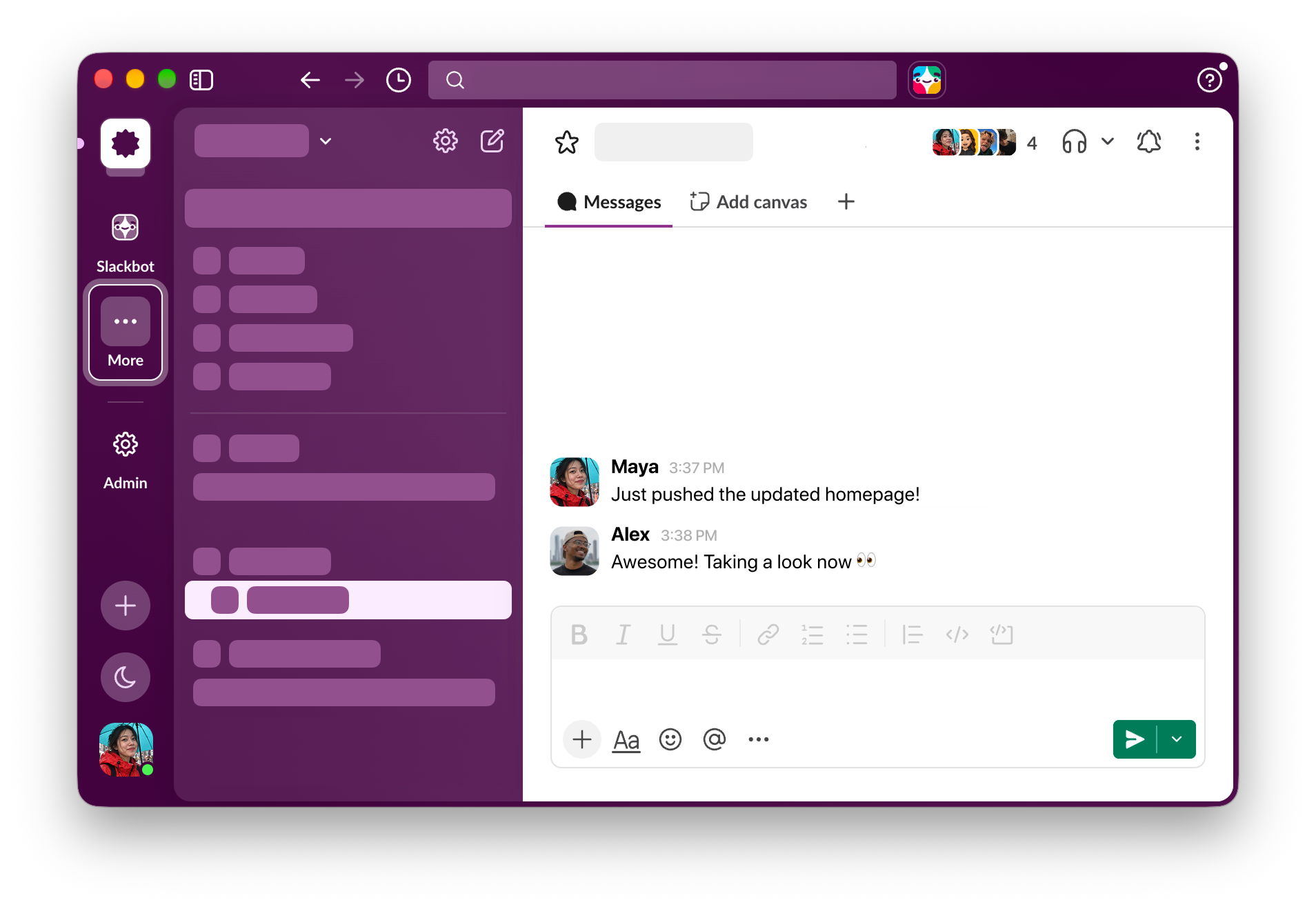
Mowji is a native, keyboard-first emoji picker for Mac. Type a colon and a word like :smile, choose the emoji and keep typing, in apps like Slack, Finder, Safari, Mail and Notion. Search understands everyday words, typos and combined terms, runs on your Mac and works offline, and the picker learns from the emoji you use most. You can save up to 30 favourites and reorder them by dragging, create custom aliases with your own words, hide emoji you never want to see and set a preferred skin tone. The trigger character is customisable, and an expandable full emoji browser lets you copy to the clipboard or add favourites right from the picker.
Key Features:
- Type to Pick: :smile style shortcuts in any app
- Smart Search: understands typos and everyday words
- Favourites: save and reorder up to 30 emoji
- Custom Aliases: create your own emoji shortcuts
- Personal Touches: skin tone, hidden emoji and custom trigger
Mowji makes adding emoji on the Mac fast and fun, with 150 free insertions to try and a one-time launch price of $5 (then $8) for up to 3 devices.



