One Thing
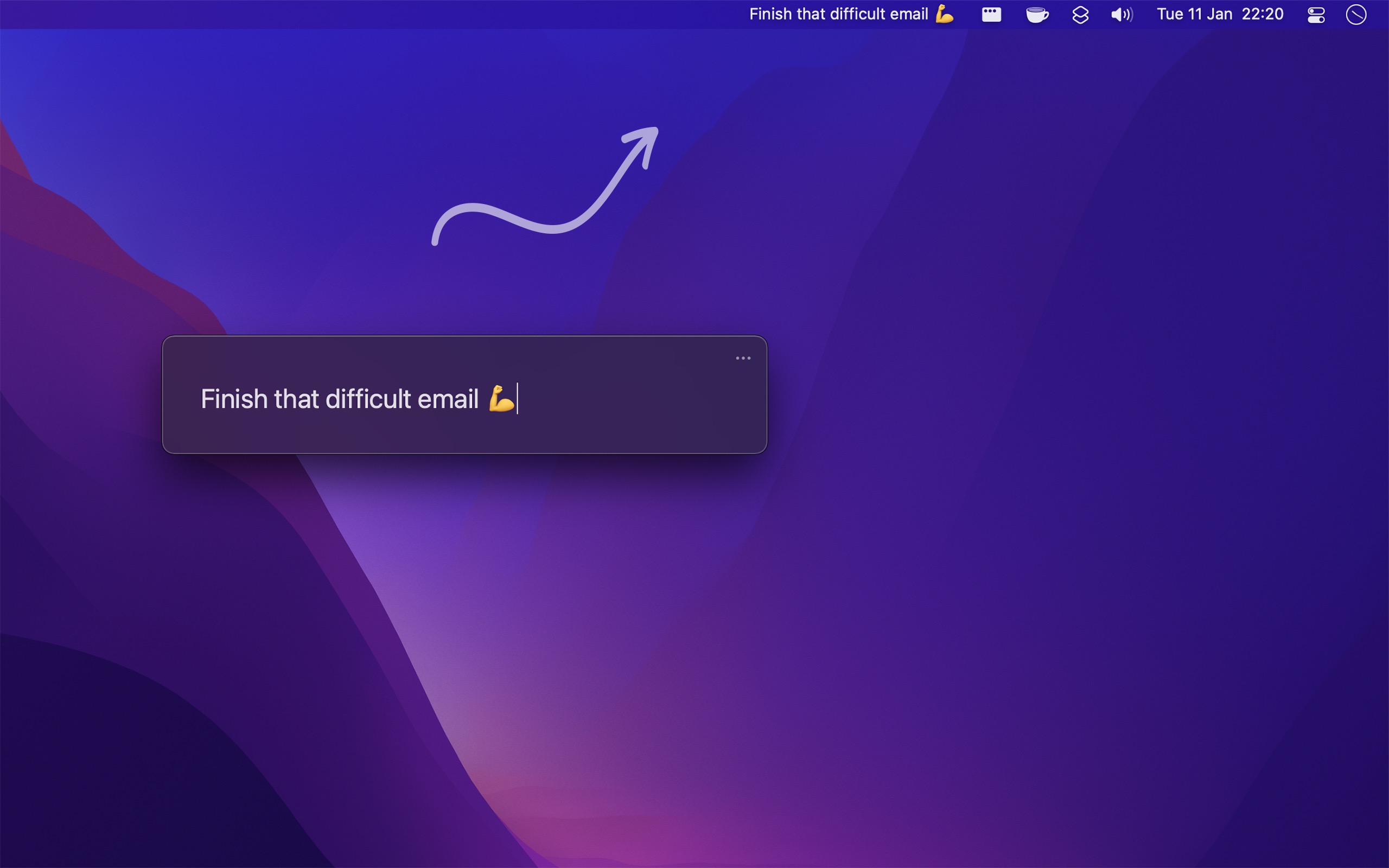
Put a single task or goal in your menu bar
One Thing FAQ
Is the app native?+
Yes — it's native, and written in Swift and SwiftUI.
Why is this free without ads?+
The developer just enjoys making Mac apps. Consider leaving a nice App Store review.
The app does not show up in the menu bar.+
Try the steps in the developer's app FAQ under "app not showing in menu bar".
The menu bar item has disappeared!+
macOS hides menu bar items that don't fit. Use the one-thing:?text= link to reset the text.
I made the text too long and now the menu bar item is hidden.+
Use the one-thing:?text= reset link to clear the text.
Can I execute an action when I click the text?+
Yes — you can add a link using Markdown.
What if I have two things?+
The point is to focus on one thing at a time, but nothing stops you writing two, for example separated with a "·" character.
Can I have two instances of One Thing running at the same time?+
Yes. There's a special version with a different identifier and URL scheme (one-thing2:) that runs alongside the App Store version, but it won't receive updates.
How can I show the next task in the "Today" list in Things?+
Use the Shortcuts app with the provided example shortcut, and keep it in sync with a Shortcuts automation (macOS 26) or the Shortery app on older macOS.
How can I show the upcoming reminder from the Reminders app?+
Use the Shortcuts app with the provided example shortcut, synced via an automation or Shortery.
How can I show a todo from my favorite todo app?+
Do something similar to the Things and Reminders answers above.
How can I show a random quote in the menu bar?+
Use the Shortcuts app with the example shortcut, and trigger it on a schedule with Shortery, or with Shortcuts automations on macOS 26.
How can I show different text for each day of the week?+
Make a Shortcut per text using One Thing's "Set Text" action, and schedule them with Shortery, or with Shortcuts automations on macOS 26.
How can I put spacing on the sides of the text?+
Add horizontal padding by putting multiple spaces in the "Prefix" and "Suffix" settings.
How is this different from your One Task app?+
See the answer on the One Task page, linked from the One Thing site.
How can I export, import, sync, or back up the settings?+
See the developer's guide on backing up app settings.
Can you add iOS / watchOS support?+
The developer plans to if the app takes off — so tell your friends.
Can you localize the app into my language?+
No — the developer doesn't plan to localize the app.
I have a feature request, bug report, or some feedback.+
Click the feedback button in the app, or send it via the feedback form on the site.