Annotake
Show any AI exactly what you see.
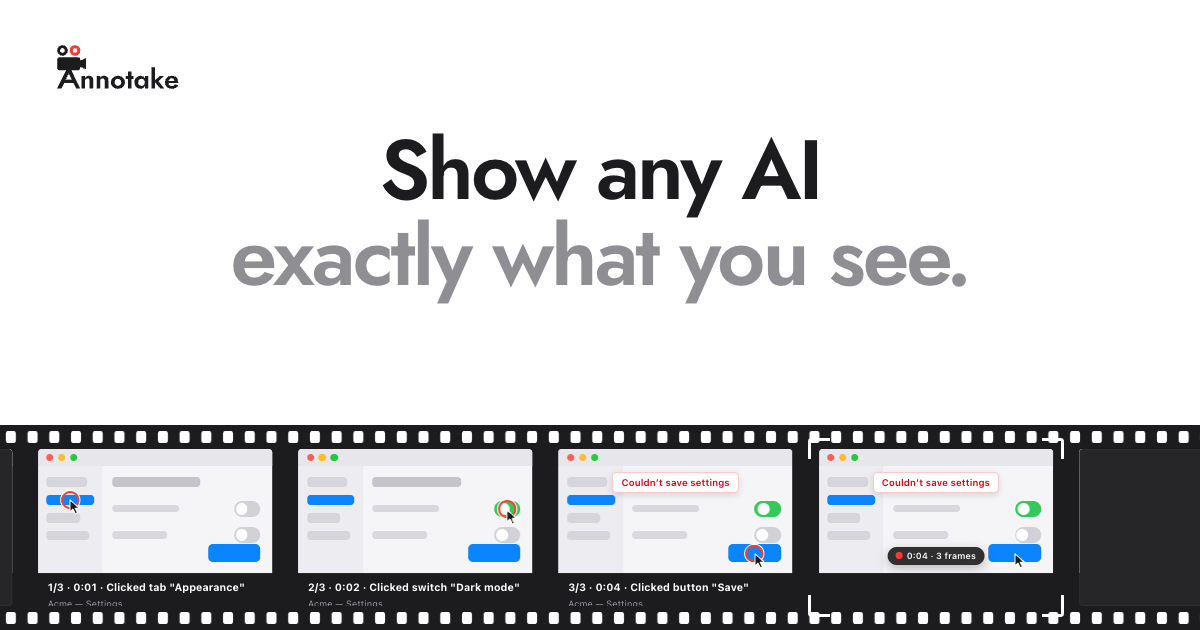
Annotake is a Mac menu bar app for showing an AI exactly what you see. Double-tap your key, click through anything in any app, and Annotake records each step as a screenshot captioned with what you clicked. When you're done, drag the card straight into ChatGPT, Claude, Cursor or anything else that takes images. Frames are picked by comparing pixels and captions come from macOS Accessibility, so there are no AI models and no uploads involved. Each recording is saved as a folder of PNGs and a steps.md file in your Pictures folder and clears out after 30 days unless you choose to keep it. Annotake only sees your screen while you record and never records what you type.
Key Features:
- One-Key Recording: double-tap a key to start and stop
- Captioned Steps: every click becomes a captioned screenshot
- Drag into Any AI: drop the card into ChatGPT, Claude or Cursor
- Plain Files: PNGs plus a steps.md saved locally
- Private by Design: no AI models, no uploads and no keystroke recording
Annotake makes it effortless to give AI assistants clear visual context, and it's free during the beta.



