Hand Mirror
A quick camera check, right from the menu bar
Hand Mirror FAQ
What is this?+
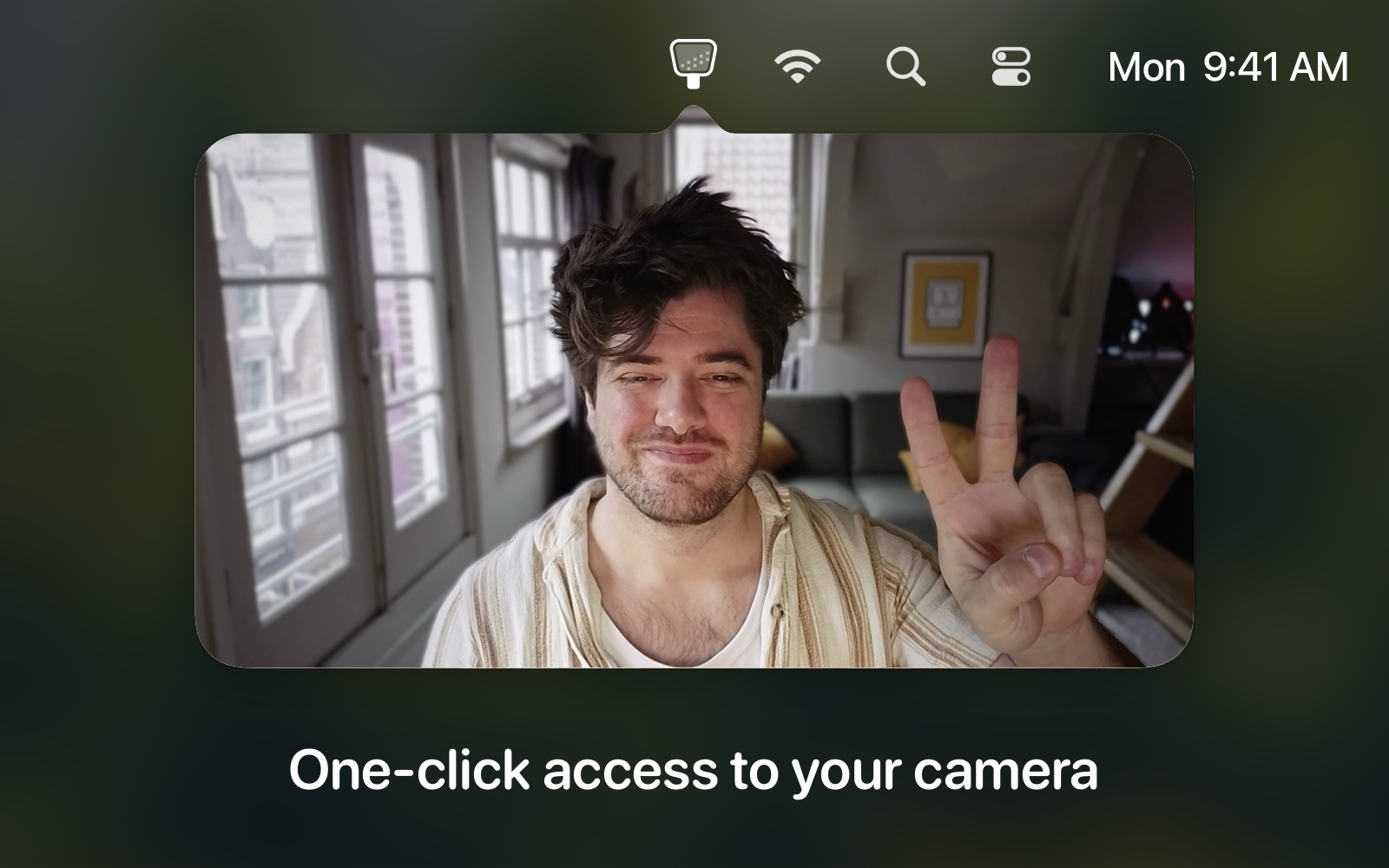
It's a macOS app that lives in your menu bar, and when you click on it you get a view from your camera.
Yeah but why?+
For when you have to join a Zoom call but want to check your face first, or make sure nothing embarrassing is in frame — faster than opening Photo Booth.
Why not just open Photo Booth instead?+
The developer used to do that via Spotlight, but it would sometimes open Photos instead, or retrain Spotlight to default "Phot" to Photo Booth — which got annoying, so he built this instead.
Does this app do anything else?+
Yes. Hand Mirror Plus is a one-time purchase that gives you all current and future bundle features forever, and the price goes up each time a major feature is added.
What's in Hand Mirror Plus today?+
Snaps (Polaroid-style photos), Mic Check, Reactions, Smart Window (resizable and always-on-top), Window Masks such as a circular mask, Custom Default Position, Custom Icons, and Notch Trigger.
Do you have some icons I can use with my Stream Deck?+
Yes — three variants in different styles are available to download.
I'm on an older version of macOS, can you hook me up?+
Yes. You can download an older version of the app, with no new features or fixes, that goes back to High Sierra. The current app requires macOS Monterey or later.