Pimosa
Simple Video, Photo & Music Editing Tools in one app
Pimosa FAQ
Is Pimosa an online tool?+
No. It's a desktop app that works fully offline once installed, so your files never leave your device.
What tools are included in Pimosa?+
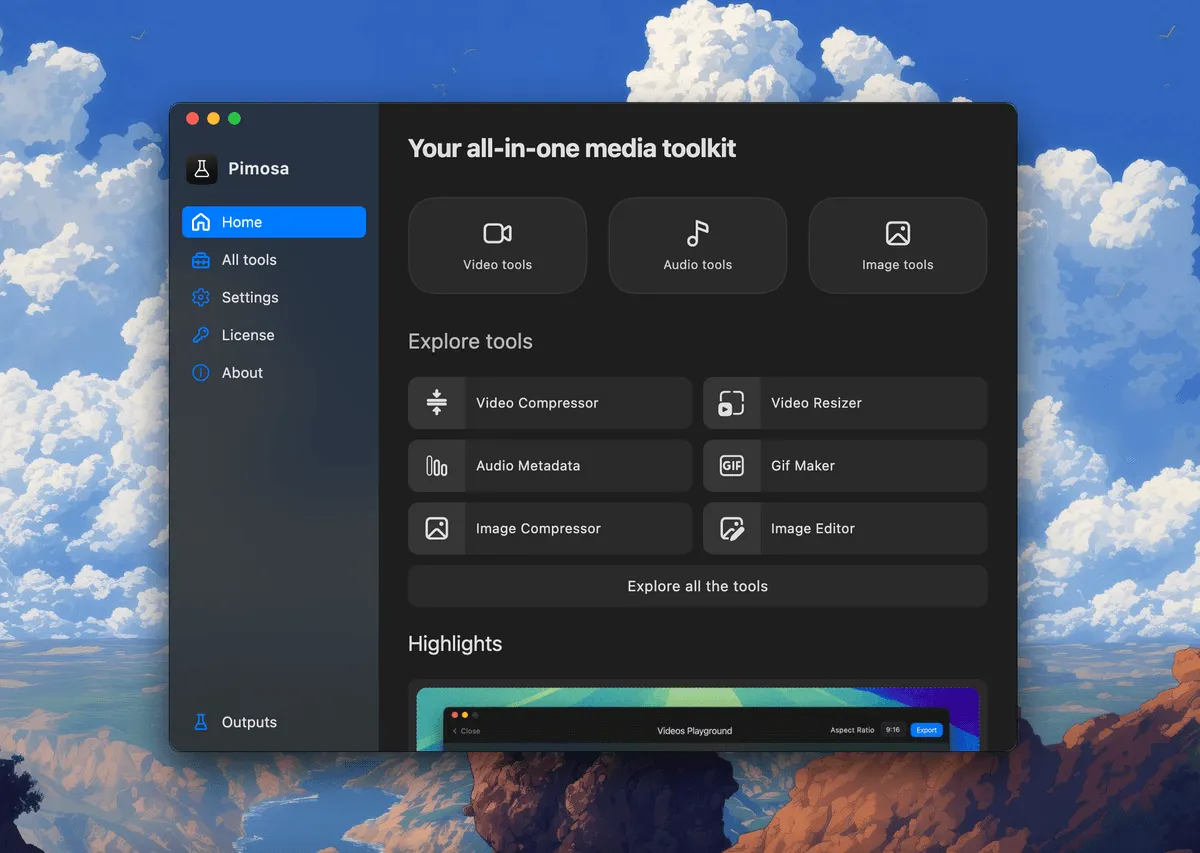
More than 25 tools across video, audio, image and GIF, and PDF — compress, convert, trim, merge and edit, plus PDF merge, split, compress and encrypt.
Do you offer a free trial?+
Yes — a free 3-day desktop trial, on macOS (Apple Silicon) and Windows.
Is Pimosa privacy-focused?+
Yes. All editing happens on your own device, so your files stay private.
Can I get a refund?+
Yes — paid plans come with a 7-day money-back guarantee.
Is there a Pimosa mobile app?+
Yes, there's an iPhone app with the essential video and image tools — compress 4K files, save 70%+ storage, and keep metadata.
How does the iPhone app compare to the desktop app?+
The iPhone app covers essential video and image tools only. The desktop app has 25+ tools with more control, batch processing, and audio, GIF and PDF features.
Is the mobile app free?+
It's free for a limited time — a license key will be required in a future update.