Compresto
Reclaim 50GB+ Without Quality Loss
Compresto FAQ
What is Compresto?+
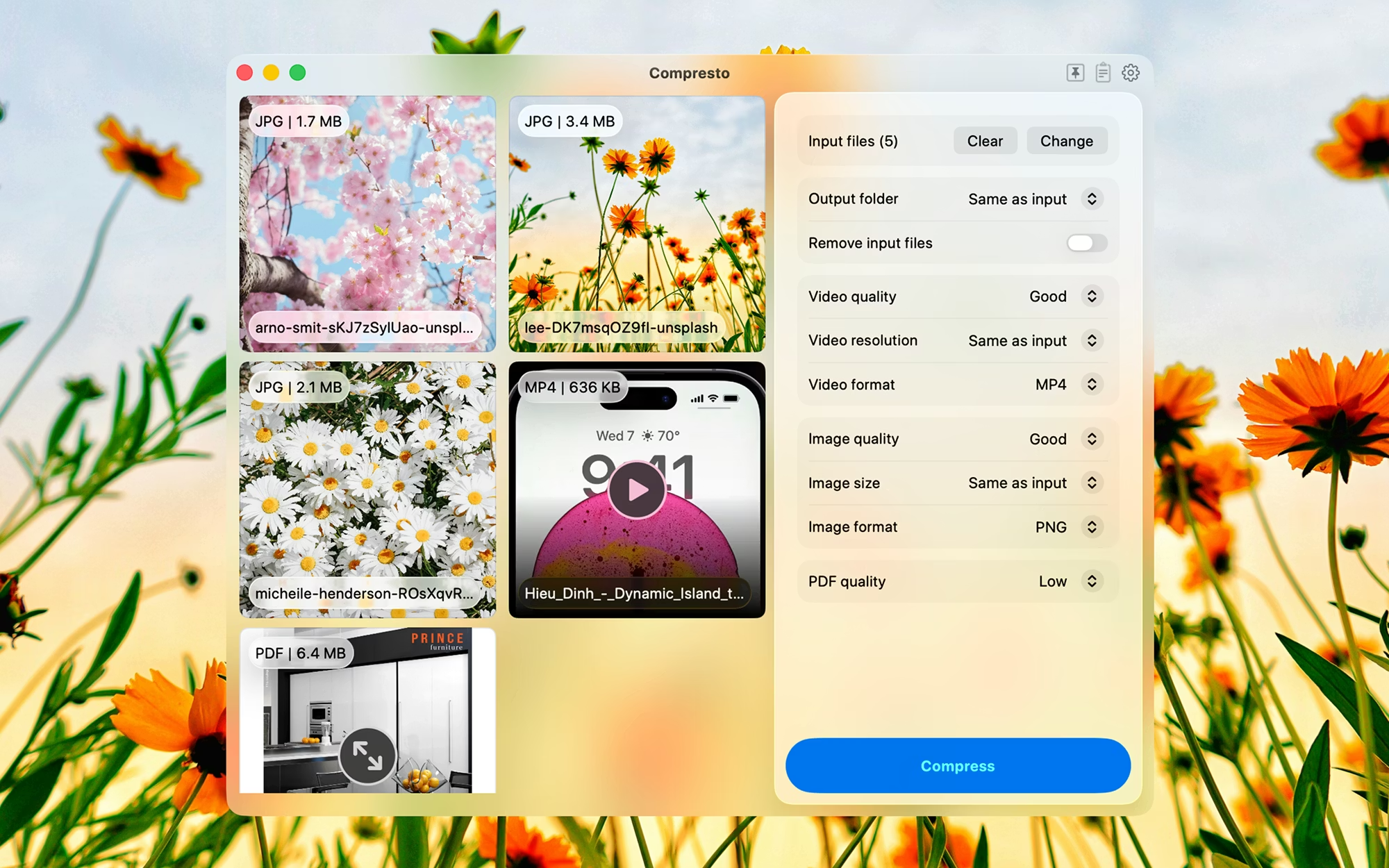
Compresto is a native macOS app that batch compresses videos, images, PDFs, and GIFs. It reduces file sizes by up to 90% while preserving quality, and runs entirely offline on your Mac.
Which file types can Compresto compress?+
The most common media formats: MP4, MOV, and other major video codecs; PNG, JPEG, HEIC, WebP, TIFF, and GIF for images; and standard PDF files.
Does Compresto reduce image or video quality?+
It offers multiple quality presets. At the Highest and High presets, quality loss is typically imperceptible; lower presets trade more quality for smaller files.
Does Compresto work offline?+
Yes. All compression happens locally using Apple Silicon hardware acceleration. Your files never leave your device — no upload required.
Can Compresto batch compress multiple files?+
Yes. You can drop hundreds of files or entire folders and it processes them in parallel with progress tracking.
How much can Compresto reduce file sizes?+
Typically 50%–90% depending on source format, codec, and chosen preset. 4K videos often see the largest savings.
Is there a Windows or Linux version?+
No. Compresto is built specifically for macOS, using VideoToolbox and Apple Silicon encoders. There are no current plans for Windows or Linux.