Tapformat
Tap ⇧⌘. Convert anything.
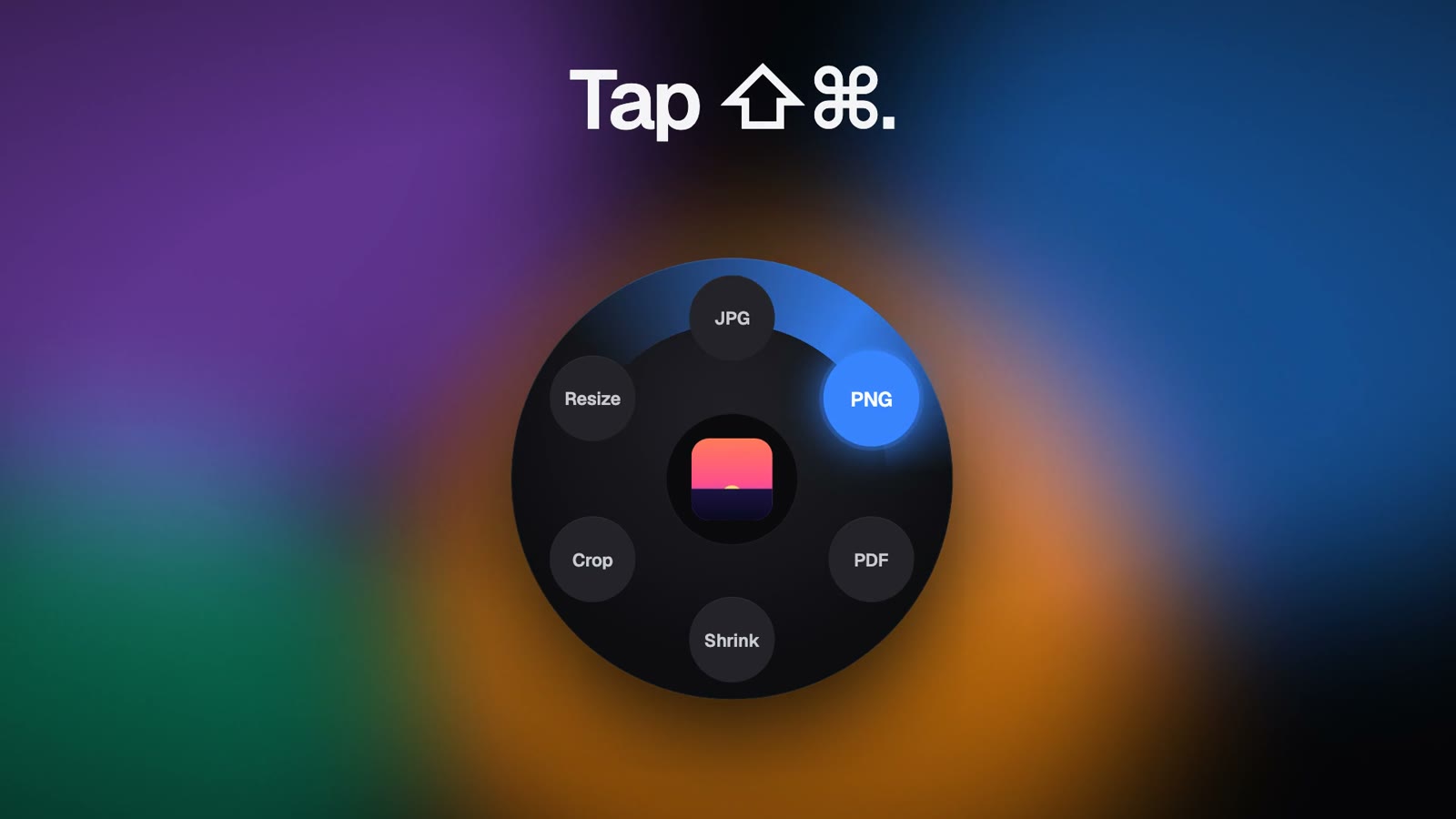
Tapformat is a Mac app for converting and shrinking files right from Finder. Select a file, press Shift-Command, and a ring appears showing only the formats that file can become, so you pick one and the new copy is saved beside the original. It converts photos, PDFs, documents, audio and video, and can shrink a file while keeping its format. Quick tools crop to 1:1, 4:5, 16:9 or 9:16 with a smart crop that keeps the subject in frame, resize to half size, 1080px, 2048px or 4K, rotate and flip photos or PDF pages, mute videos without re-encoding, and merge PDFs or combine images into one PDF. It works on many files at once, supports a custom shortcut, drag and drop and the Finder Services menu, and Undo simply sends the new file to the Trash. Everything runs on your Mac with no uploads, and originals are never overwritten.
Key Features:
- Format Ring: press ⇧⌘ in Finder to see only valid formats
- Convert Anything: photos, PDFs, documents, audio and video
- Shrink and Resize: smaller copies, preset sizes and smart crops
- Quick Edits: rotate, flip, mute video and merge PDFs
- Private and Safe: on-device processing, originals never overwritten
Tapformat makes file conversion a one-tap habit on the Mac, completely free with unlimited conversions.