
Seenlio
Describe the image. Find it on your Mac.
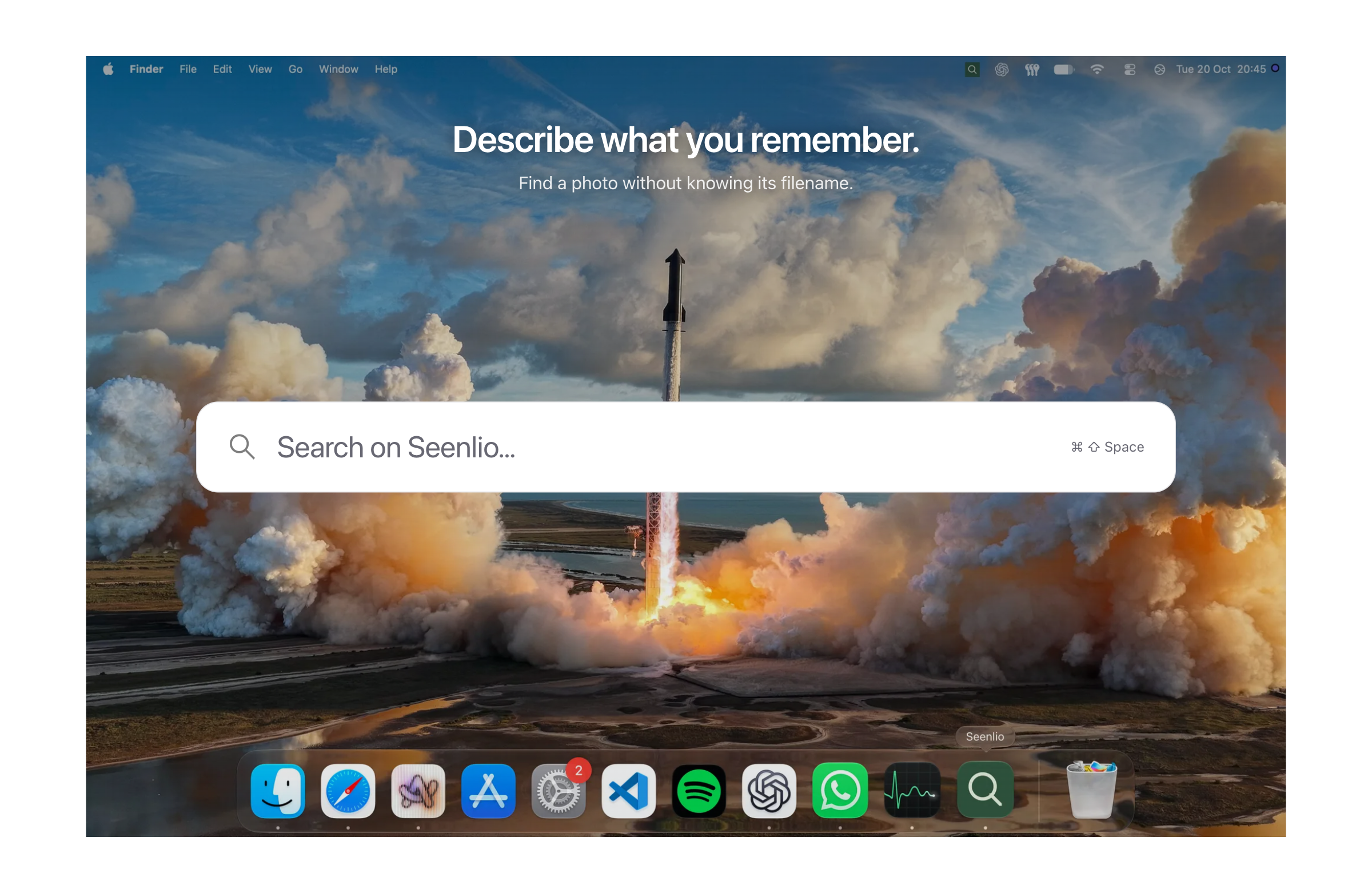
Seenlio is a Mac app that finds images in your folders by describing what's in them or by searching the words inside screenshots. Type something like 'orange flowers in a garden' or 'a white island in a blue ocean' and Seenlio searches what your images show using models that run on your Mac. Text search reads between the pixels, finding quotes, receipts and tiny details in your screenshots with OCR in English, Hindi, Chinese, Japanese and Spanish, and highlights the matching region in the image. A quick search shortcut, Command-Shift-Space, opens your library from anywhere. Your original files stay exactly where they are, and everything works privately and offline after setup.
Key Features:
- Visual Search: find photos by describing colours, objects or scenes
- Text in Images: search the words inside screenshots and photos
- Five-Language OCR: English, Hindi, Chinese, Japanese and Spanish
- Quick Search Shortcut: open your image library from anywhere
- Private and Offline: on-device models, files stay where they are
Seenlio makes it easy to find any image you remember but can't name, with an early-bird one-time price of ₹499 (normally ₹999) for one Mac.



