OpenShelf
Drag, tap, done.
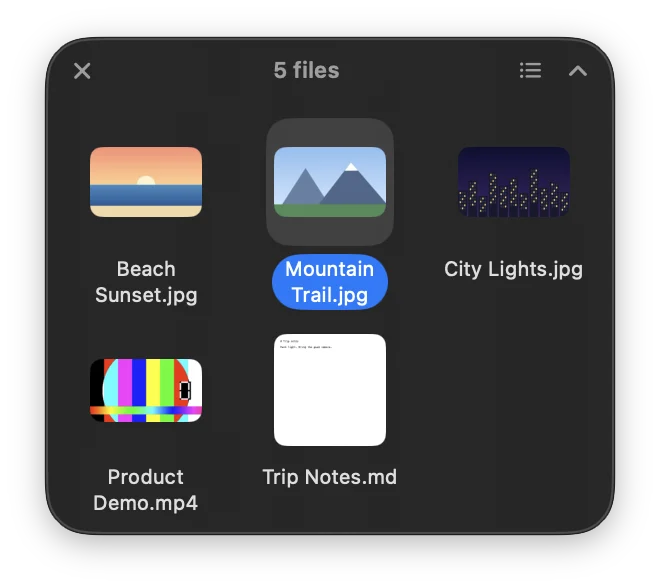
OpenShelf is a Mac app for converting, editing and sharing files while you drag them. Hold Shift while dragging to open the Convert wheel, Shift-Option for Tools or Control for Actions, or press Control-Option-Space for files selected in Finder. It converts images, PDFs, documents, spreadsheets, slides, audio, video, subtitles, archives and folders, including Pages, Numbers and Keynote files. Tools include compress, crop, resize, annotate, redact, remove background, trim video, OCR and combining images into a PDF, while actions cover floating shelves, AirDrop, move, copy path and open in Terminal. Watched folders can add new files to shelves or convert them automatically, results are saved beside originals and nothing is overwritten. It runs offline with no telemetry and can install ffmpeg, LibreOffice and Pandoc in one click.
Key Features:
- Drag Wheels: convert, edit or act on files mid-drag
- Wide Format Support: images, docs, media, archives and iWork
- Built-In Tools: compress, crop, redact, OCR and more
- Floating Shelves and Watched Folders: automate repeat jobs
- Offline and Safe: no telemetry, originals never overwritten
OpenShelf turns every file drag into a quick action, completely free and open source under the MIT license.