PeakPad
29 tools. One notch.
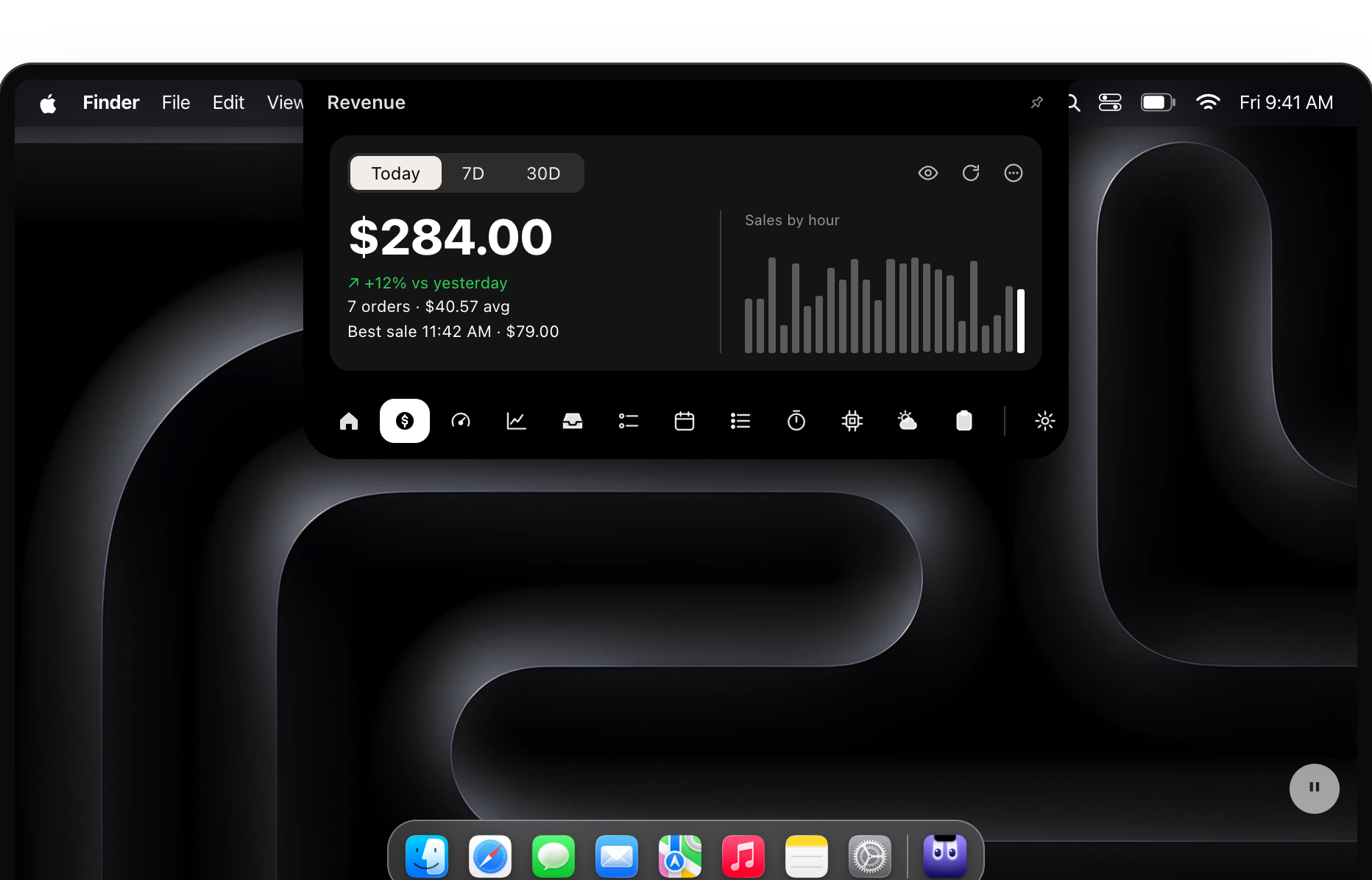
PeakPad turns the MacBook notch into a full control center packed with 29 tools, all one hover away. Instead of digging through menus, windows and browser tabs, you hover over the notch to see what's playing, grab something from your clipboard, drop files on a shelf, start a timer or check your calendar and reminders. It also goes further than most notch apps: it can show live sales and traffic from Stripe, Polar, Dodo, Lemon Squeezy, Gumroad, Paddle, Shopify and Google Analytics, track your Claude Code and Codex token usage, and answer questions with Apple's on-device AI through Ask Peak, so nothing you type leaves your Mac. It runs on Apple silicon and Intel Macs with macOS Sonoma or later.
Key Features:
- Notch Control Center: now playing, calendar, reminders, app shortcuts, volume and brightness in one panel
- Ask Peak: private, on-device AI answers powered by Apple's models, right in the notch
- Revenue & Analytics: see sales from Stripe, Gumroad, Paddle, Shopify and more, plus Google Analytics traffic
- AI Usage Tracking: tokens, messages and streaks from Claude Code and Codex, read from local logs
- Productivity Tools: clipboard history, file shelf, timers, teleprompter and more, 29 tools in total
PeakPad is a one-time-purchase notch app that brings 29 tools, from media controls to revenue dashboards and private AI, into a single glance at the top of your Mac.



