
Mitosis
Run separate copies of your Mac apps, side by side.
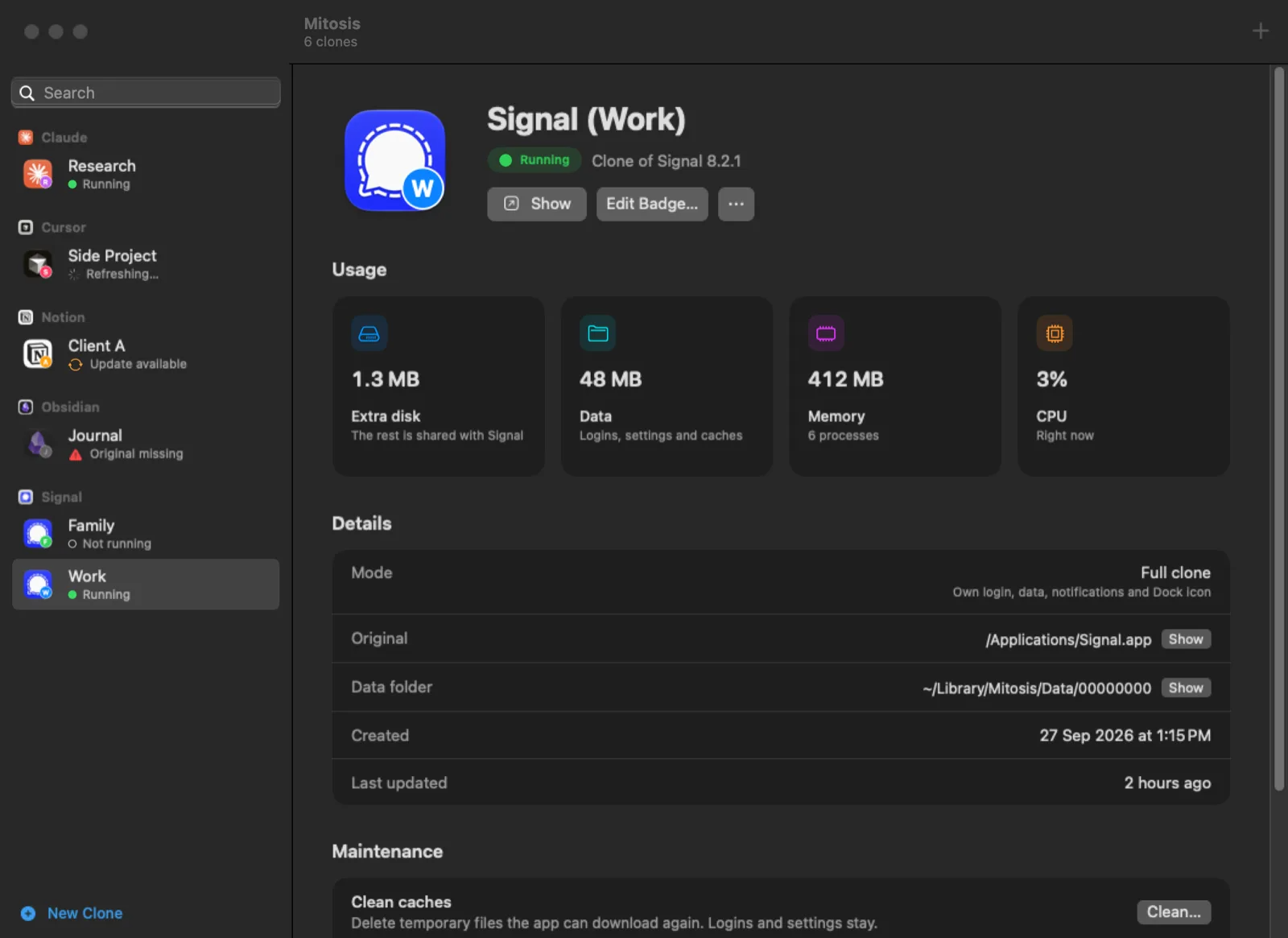
Mitosis is a free macOS app cloner that lets you run separate copies of your Mac apps side by side, such as Slack (Work) next to Slack, each with its own login, data and Dock icon. Pick an installed app, give your clone a clear name and open both at once, so you can stay signed in to different accounts at the same time. Each clone keeps its own settings, chats and caches, and a small badge on its Dock icon helps you tell them apart. The app shows each clone's disk, data, memory and CPU usage, and includes guides for popular apps like Slack, Signal, Discord, Claude and Codex. It installs with one Terminal command or Homebrew and requires macOS 15 on Apple silicon.
Key Features:
- App Cloning: run a real second copy of any Mac app
- Separate Logins: stay signed in to different accounts at once
- Separate Data: settings, chats and caches stay with each clone
- Badged Dock Icons: tell clones apart at a glance
- Free and Source-Available: a free alternative to paid app cloners
Mitosis makes juggling work and personal accounts easy by cloning your Mac apps, completely free.



