BoltAI
The best AI client for Mac
BoltAI FAQ
How does BoltAI work?+
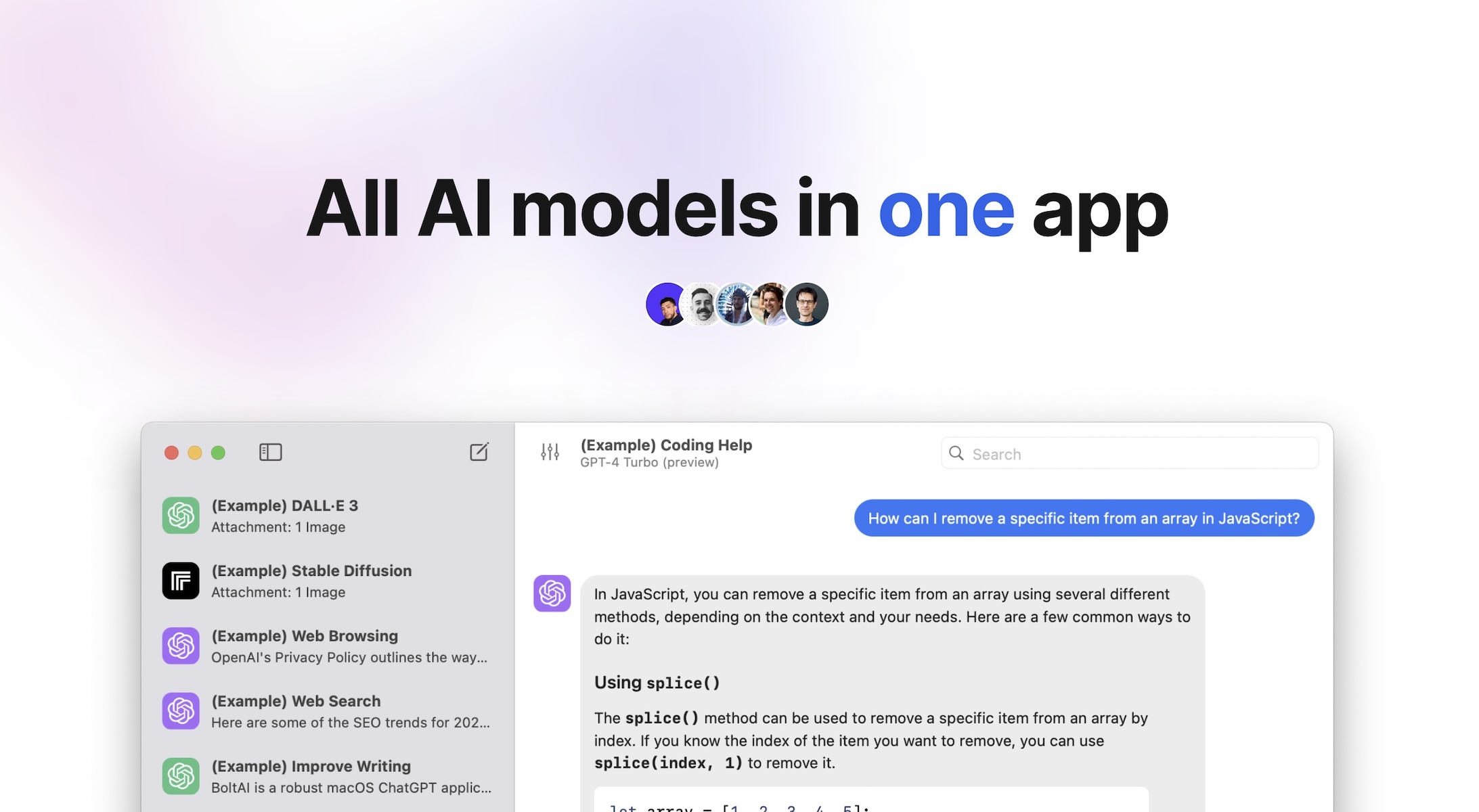
It's a native macOS app that brings 300+ AI models — OpenAI, Anthropic, Google, Mistral, Azure, Bedrock and local models — into one workspace, with a global shortcut to use AI over any app.
Do I need my own API keys?+
Yes. You bring your own provider API keys, or run local models through Ollama or LM Studio.
Which AI models and providers are supported?+
OpenAI, Anthropic, Google, Mistral, Azure, Bedrock, xAI, Perplexity, Ollama and more — over 300 models.
How does the BoltAI license and update plan work?+
It's a one-time purchase with one year of updates, and the app is yours forever. You can try it free first, with no account.
Do you store my chats or train on my data?+
No. Chats are stored locally and never used for training, and your API keys can be encrypted with your own passphrase.
Is BoltAI safe to use at work?+
It's private by default — local storage, optional key encryption, and nothing used for training.
Does BoltAI work offline?+
Yes. You can run local LLMs via Ollama and LM Studio for offline, zero-latency responses.
What about cloud sync and mobile?+
BoltAI works on Mac, iPhone and iPad, with chats, agents and projects synced securely through the cloud.
What makes BoltAI different from just using ChatGPT in the browser?+
It's a native Mac app with a global shortcut, screenshot-to-answer, dictation and inline editing, agents, projects, and multi-provider switching without context switching.