CleanShot X
Capture your Mac's screen like a pro
CleanShot X FAQ
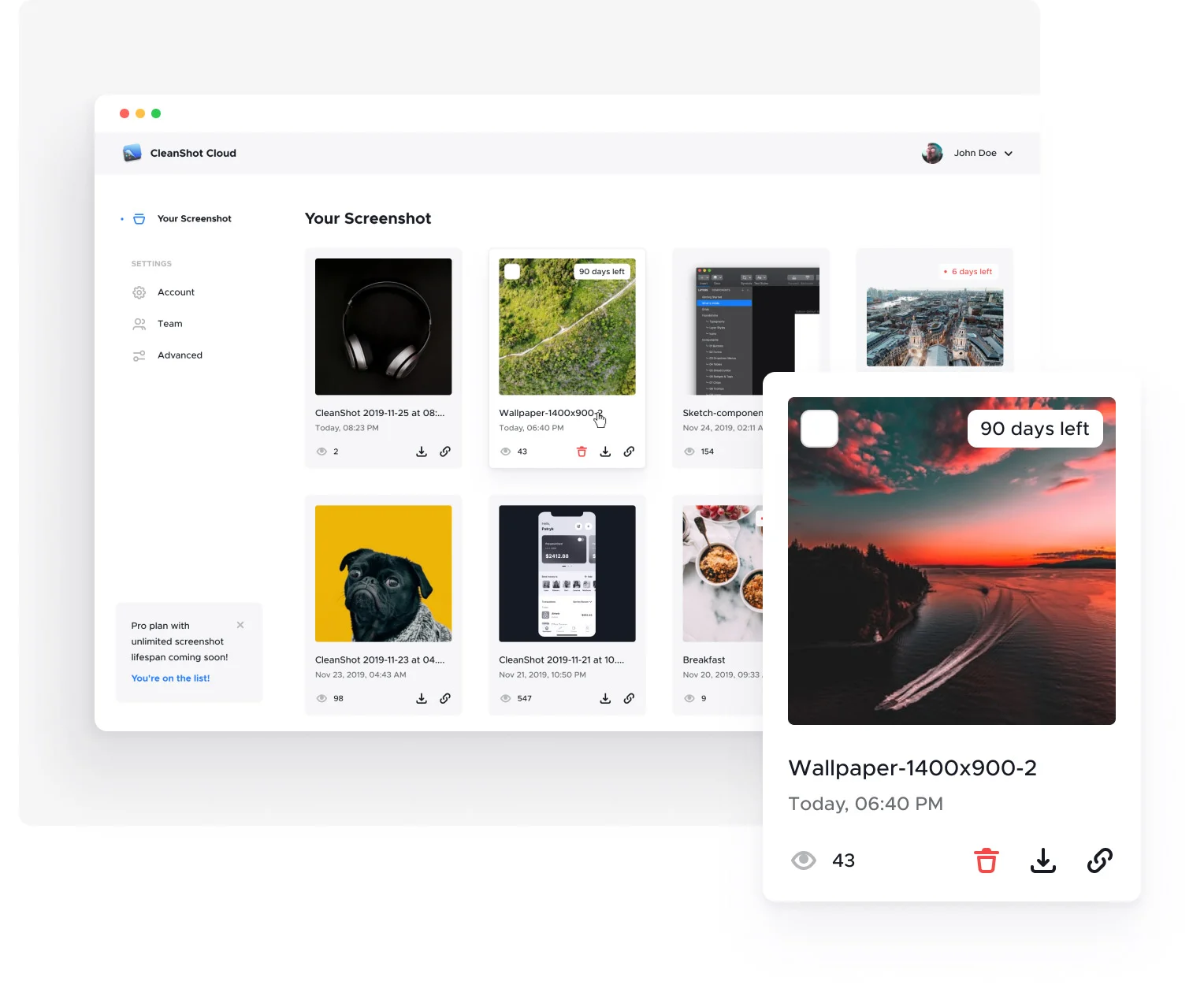
Is a CleanShot Cloud account required to use the app?+
When purchasing a CleanShot license you get a free CleanShot Cloud account. However, using CleanShot Cloud isn't required to use the app or any other features — it's only used for screenshot uploading.
What are the system requirements?+
CleanShot requires macOS 10.15 or newer. Some OCR languages may require the latest macOS. Version 4.8.4 was the last to support Mojave (10.14), and 4.1 was the last to support Sierra (10.12) and High Sierra (10.13) — contact them for those download links.
Where can I find my license?+
After a successful purchase you get an email from Paddle with the receipt and your unique license key (check Spam too). If you can't find it, use the License Manager.
Where can I get an invoice for my purchase?+
Generate an invoice yourself using the "View Invoice" button at the bottom of your receipt email. If you can't find it, use the License Manager.
Is there a trial version?+
There's no trial, but there's a 30-day money-back guarantee. CleanShot is also on Setapp, which has a 7-day free trial.
Is there a student discount?+
Yes — a 30% educational discount. Enter your edu-issued email on the edu page.
How do I transfer my license to a different Mac?+
Activate the app on the new Mac with your license key and the old machine is automatically deactivated. For multi-Mac licenses, manage active devices in the License Manager.
How do I add more devices to my license?+
Add more seats using the License Manager.
How can I re-download the app?+
Go to the download page and follow the instructions.
Does CleanShot work on Windows?+
There's no Windows version, and no plans to release one at the moment.



