
QuickRight
Make Finder easier to use.
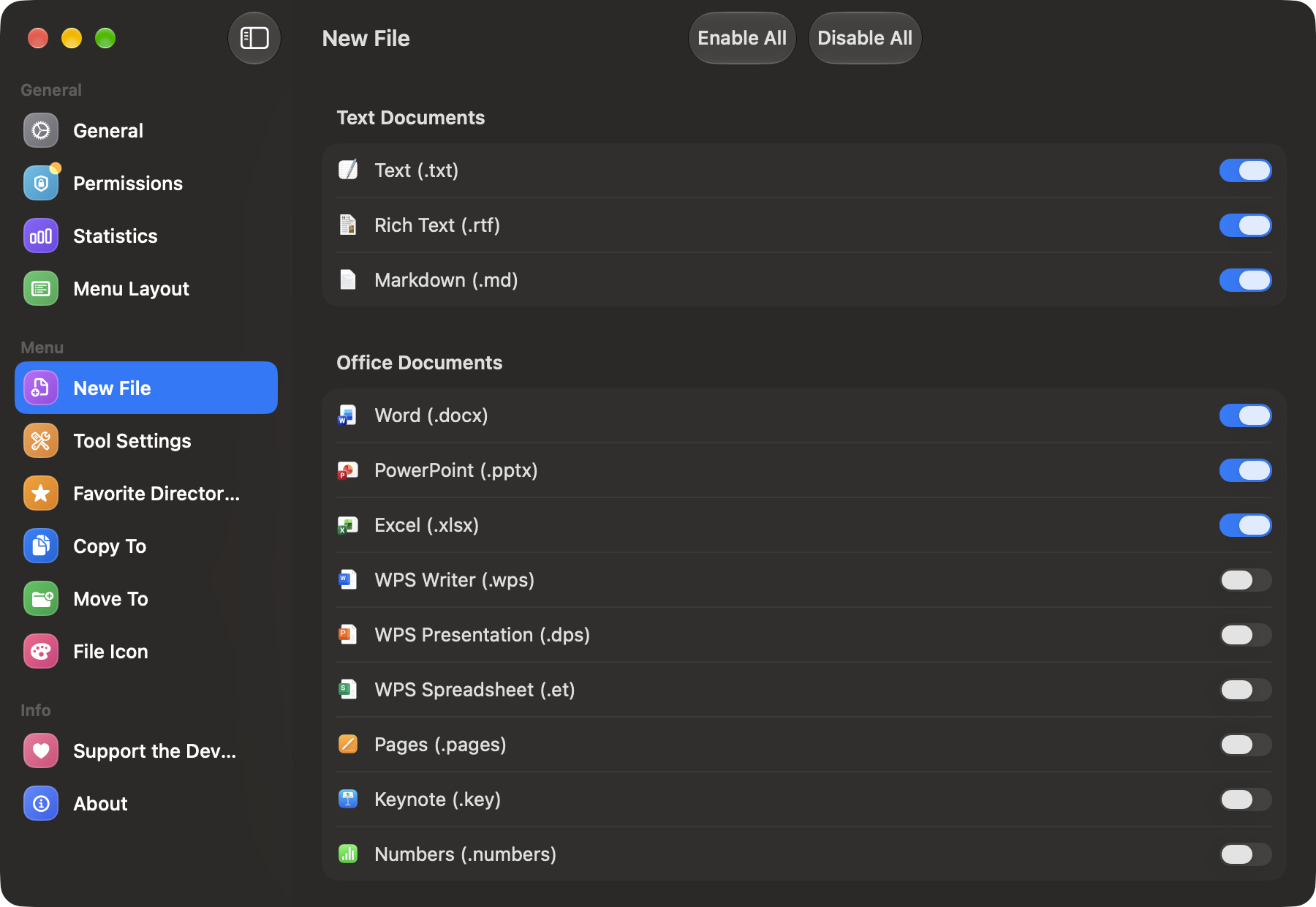
QuickRight is a Finder right-click enhancement for Mac that adds the shortcuts Apple left out. From the context menu you can create new files such as text, Markdown, Word and Office documents or code files in the current folder, open Terminal or your editor right there, and copy a file or folder path. Menu items can be reordered by dragging or hidden if you don't use them, icons can be colourful or native-style, and you can add your own file templates. It works in local and iCloud Drive folders you grant access to, and everything is processed locally with no account.
Key Features:
- New Files Anywhere: text, Markdown, Office and code templates
- Open Here: launch Terminal or your editor in any folder
- Copy Paths: grab file and folder paths instantly
- Custom Menu: reorder, hide items and pick icon styles
- Local and Private: works in granted folders, no account
QuickRight makes Finder's right-click menu genuinely useful, available free on the Mac App Store.