

Agent Hover
Your AI agents, one hover away.
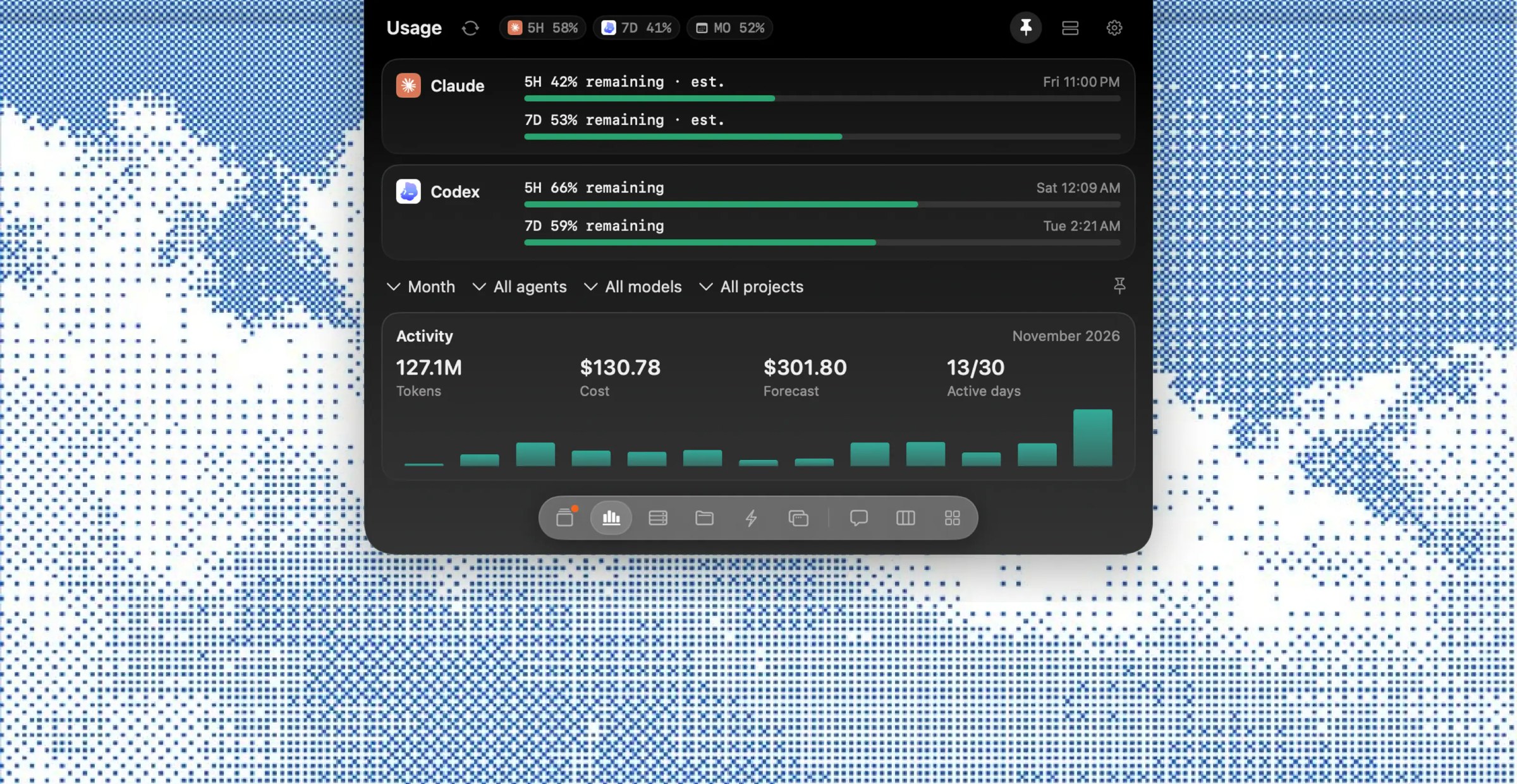
Agent Hover is a native command center for AI coding agents that lives in your Mac's notch. It works with Claude Code, Codex, Gemini, Cursor and OpenCode, showing every session from every agent in one list, newest first. Hover over the notch to open it, and when an agent needs permission the prompt appears right there with the full command, so you can press Command-Y to allow or Command-N to deny without leaving your editor. It keeps the 5-hour and weekly limits for Claude and Codex always in view and tracks spend, tokens and cache hits month over month against a budget you set. A board sorts agents into working, needs you and done, and you can reply to any session headless or resume it in Terminal. It also finds every dev server listening on your Mac, runs your saved shell commands in one click, and pins floating widgets for tasks, usage or live activity on your desktop. Agent Hover is local-first, reading your agents' files on disk so your prompts, code and usage never leave your Mac.
Key Features:
- Notch Command Center: hover to see every agent session
- One-Key Approvals: Command-Y to allow, Command-N to deny
- Limits and Spend: 5-hour and weekly windows plus monthly budgets
- Agent Board and Chat: see who needs you and reply to any session
- Dev Servers and Actions: manage ports and run saved commands in one click
Agent Hover keeps all your coding agents under control from the notch, for a one-time $9 license with no subscription.